PDF Converter
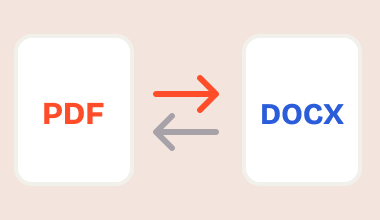
PDFs become editable Word docs, and Word docs become polished PDFs — both directions, whole batches at once.
- PDF ⇄ Word
- Upload files or folders
- Batch mode

SOS Files is a simple Windows toolkit that converts, splits, and rotates PDF files in a couple of clicks.
 100% free
Fast & lightweight
No sign-up needed
Clicking the "Free Download" button means you agree to our Terms of Use and Privacy Policy.
Each one does a single job well — drag, drop, done.
PDFs become editable Word docs, and Word docs become polished PDFs — both directions, whole batches at once.

One big PDF becomes exactly the pieces you need — every page, custom ranges, or evenly sized parts.
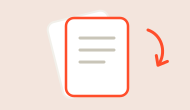
Fix sideways or upside-down pages in seconds, with a safe new copy - the original stays untouched.
Download SOS Files and start working with your PDFs in under a minute.
Click the big orange button and grab the SOS Files installer for Windows.
Open the installer and follow the quick setup.
Open SOS Files, add your PDF, and convert, split, or rotate it.
Most PDF tools make you jump through hoops. We took the hoops out.

No browser tabs, no waiting for pages to load — a fast native Windows tool that's always one click away.

No page caps, no daily quotas, no “upgrade to continue” pop-ups. Convert, split, and rotate as much as you want.

Every tool saves a brand-new output file, so the document you started with is never overwritten.

Queue up a whole folder of files, pick an output folder once, and watch the progress bar do the work.